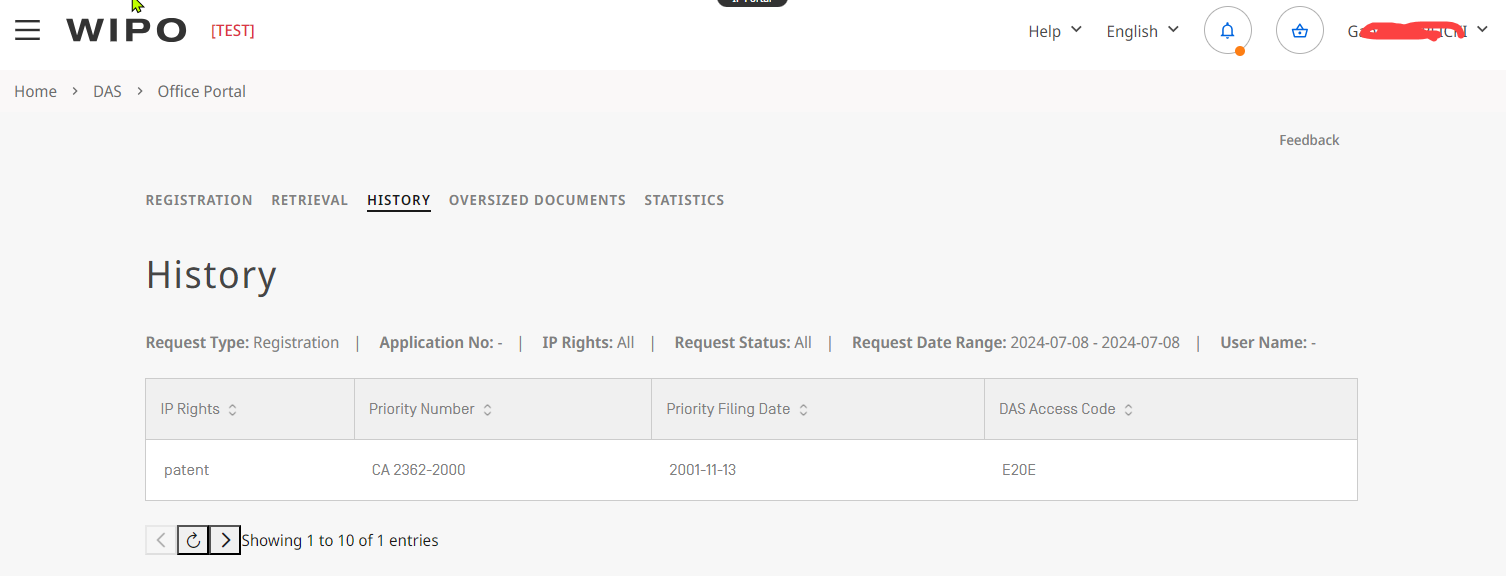
After successful login, the Office Portal screen is displayed, as per the system functionality, it will always start on the "History" tab:
The elements of the new Office Portal are as follow:

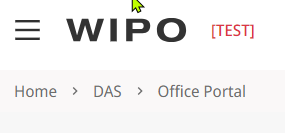
The menu-bar of the IP Portal, provides information of:
On this side you will be able to see the system you are accessing right now (in this case the "Office Portal")
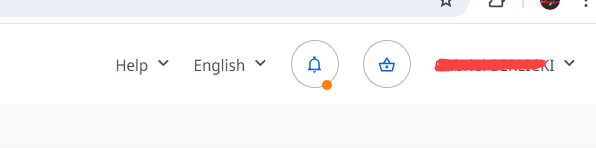
Here you will access the menus for managing your account, the online help of the IP Portal and the language interface (https://www.wipo.int/ipportal-support/wipoaccount/faq)
The new Working area is displayed bellow:
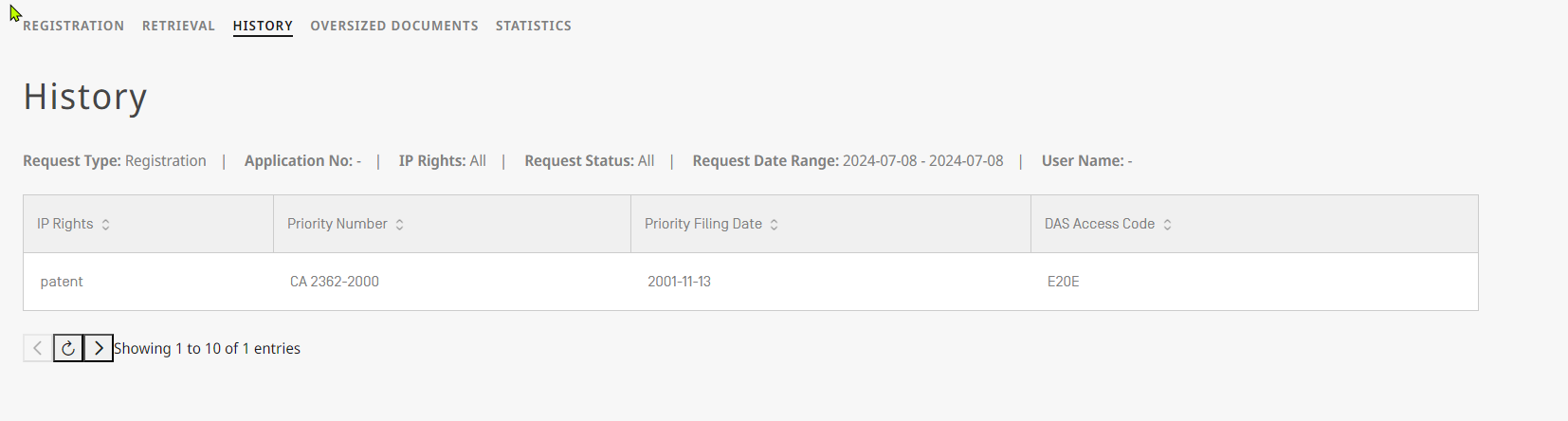
A few key elements of the working area screen are highlighted and explained in labels from OP1 to OP4.
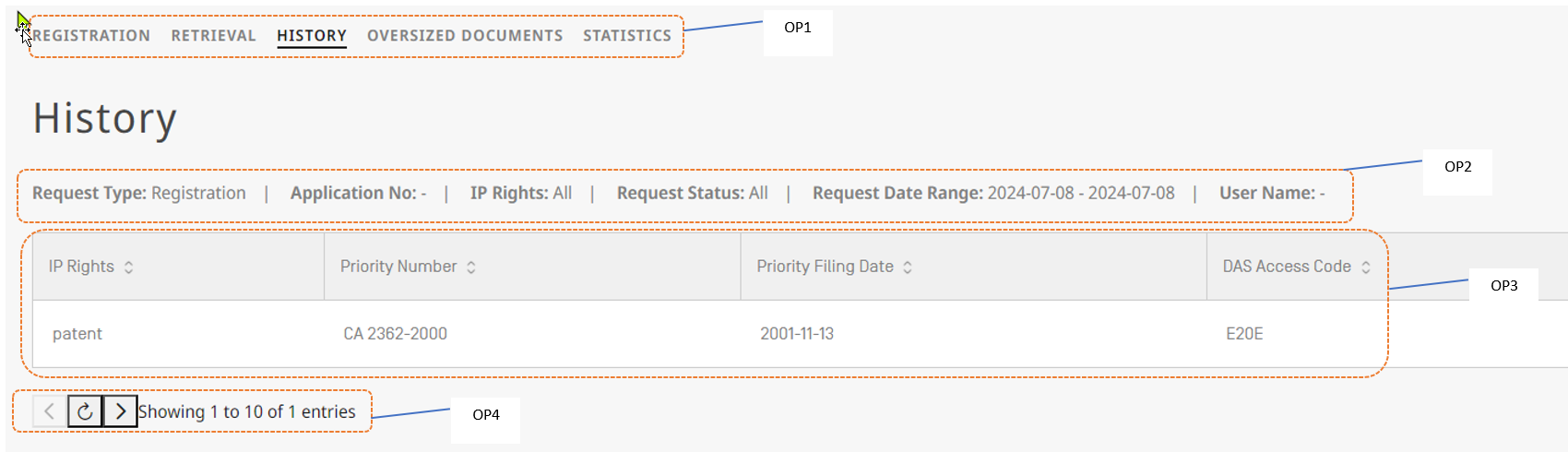
Description of the key elements:
| item | description |
|---|---|
| OP1 | Navigation bar, it allows you to switch between the different interfaces of the WIPO DAS Office Portal |
| OP2 | History tab filter / search bar (please see the following page, for more details |
| OP3 | Information area |
| OP4 | Toolbar to switch pages |