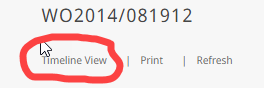
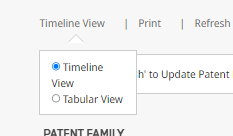
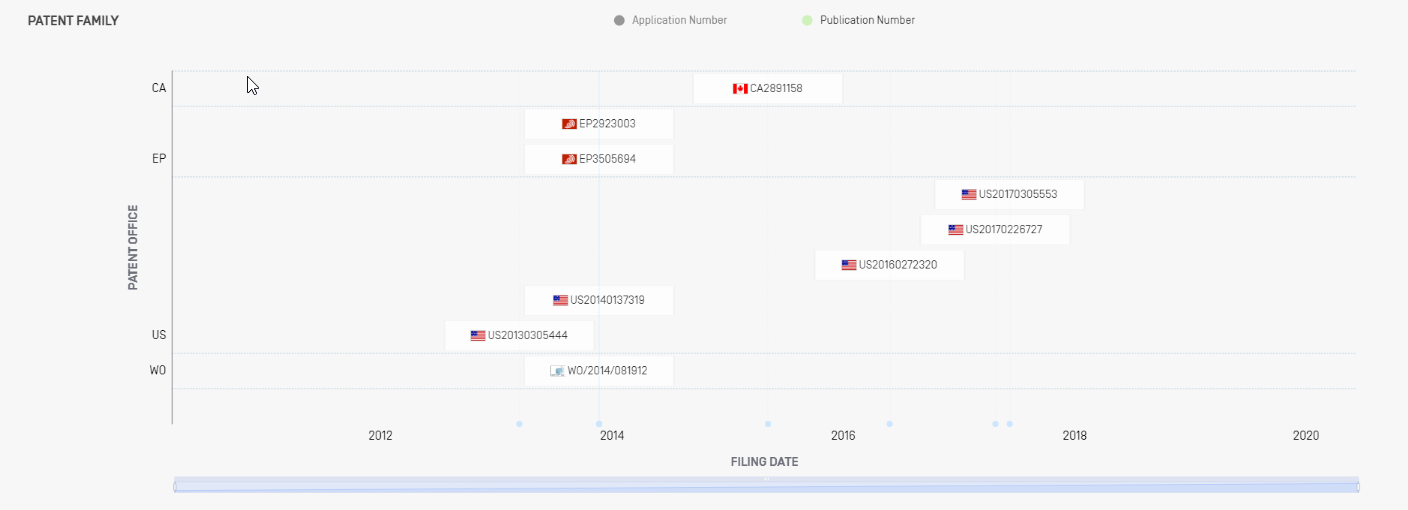
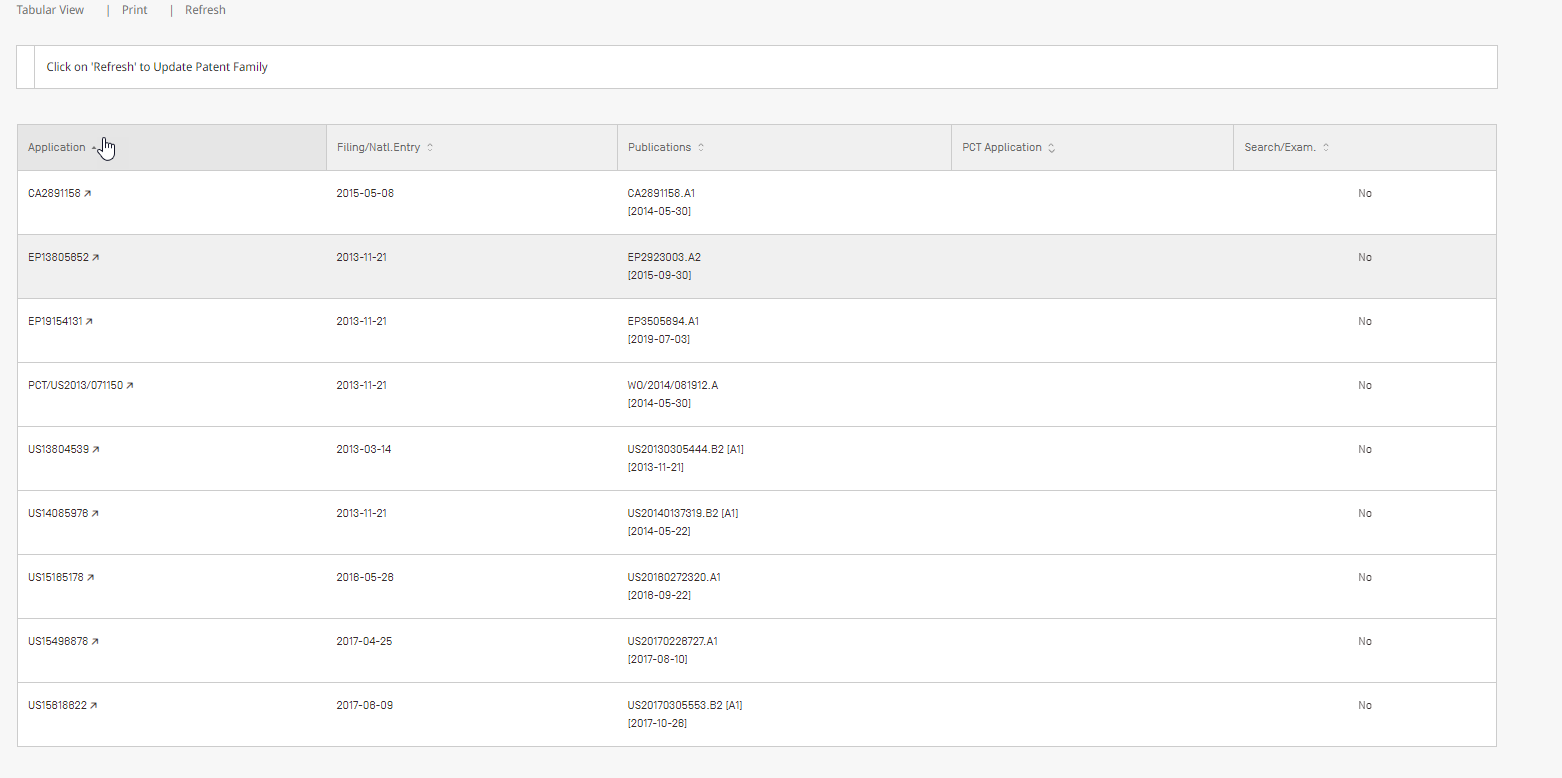
The "Family View" will show you all the members of the family (for the document you just searched).
- It can be show, as "timeline view":
- Or as "tubular view":
| Warning |
|---|
Please be aware that not all the links shown, will provide access to the file. The family view will show all the members of the family of a file, including the applications/publication numbers of files filed in "Accessing" Offices. Remember that WIPO CASE can only provide access to the documents of "Providing" IP Offices. |
| Note | ||
|---|---|---|
| ||
By default the system will display the "Timeline view" ( You can switch to "Tabular view", by clicking on it ( |