Entry | Option | Action | Notes |
When you "hover" your mouse arrow over one of the results, the display will be updated as follows:
| RESEND | To use for sending the access code (again) to the applicant or to another email address (as per applicant/agent request) |

Once you click on it, you will be shown the email address that was used for registration.
| Expand |
|---|
|

| Details of this here: d.4.1.1.- Resend access code of a previous registration | ||||||
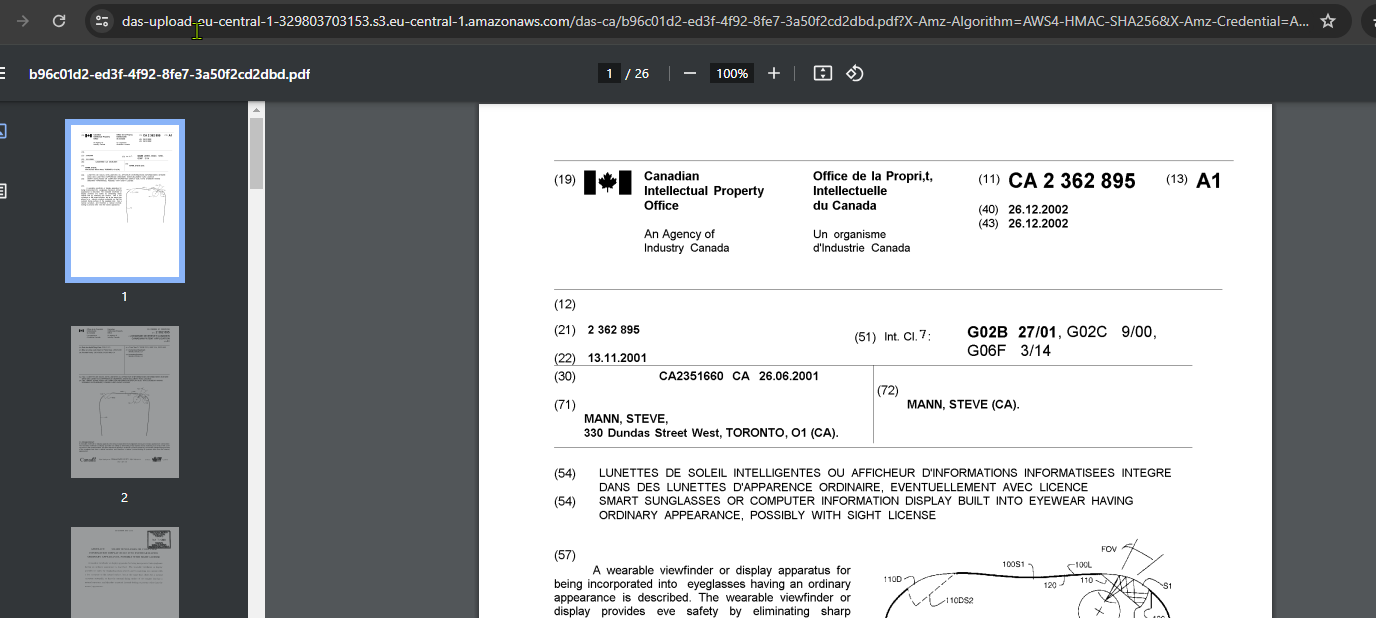
Download | Press to download the file, it might take a few seconds for the file download to complete (depending on the file size) | Will normally open in another browser tab.
| ||||
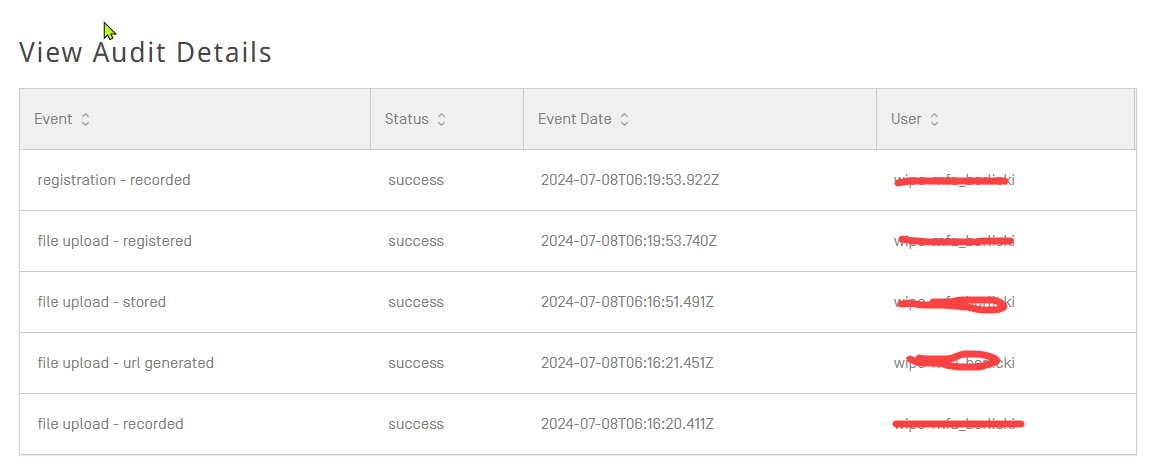
View Details | It will show the audit details for the entry, describing all the process for the current item in WIPO DAS |
For example, for a registration, you will see something like this:
|