
This screen describes the form in use for doing a registration in WIPO DAS as an OFF (Office of First Filing) following the requirements agreed by WIPO's Member States during the discussion of the Standard ST.92
This form and associated processes will become mandatory once ST.92 starts on July 1st, 2026.
Until then, the official form for submissions to WIPO DAS is described here: d.4.2.0.- Legacy Registration request
Registration page:
After login into the system and when you click on the registration tab, you will see the following:
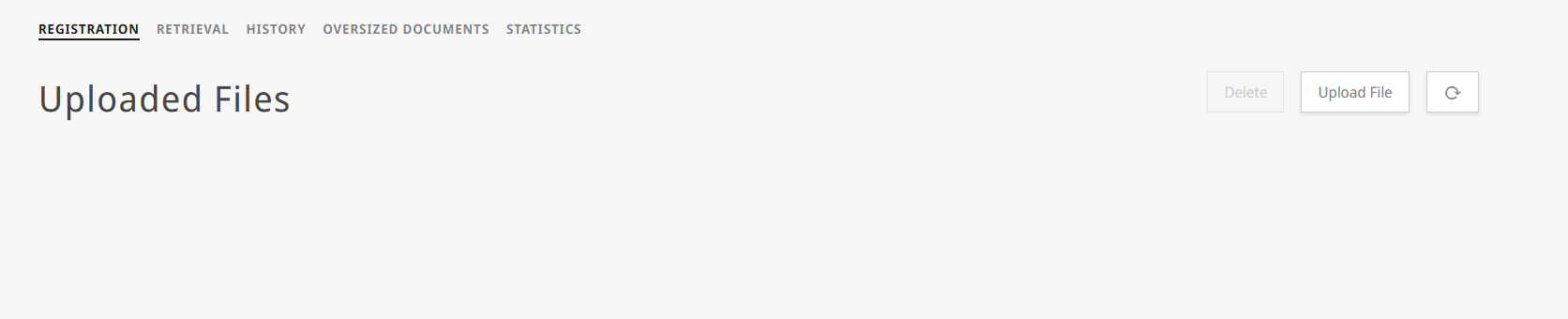
File upload
| 1 | start by pressing in the "Upload File" button: |
|
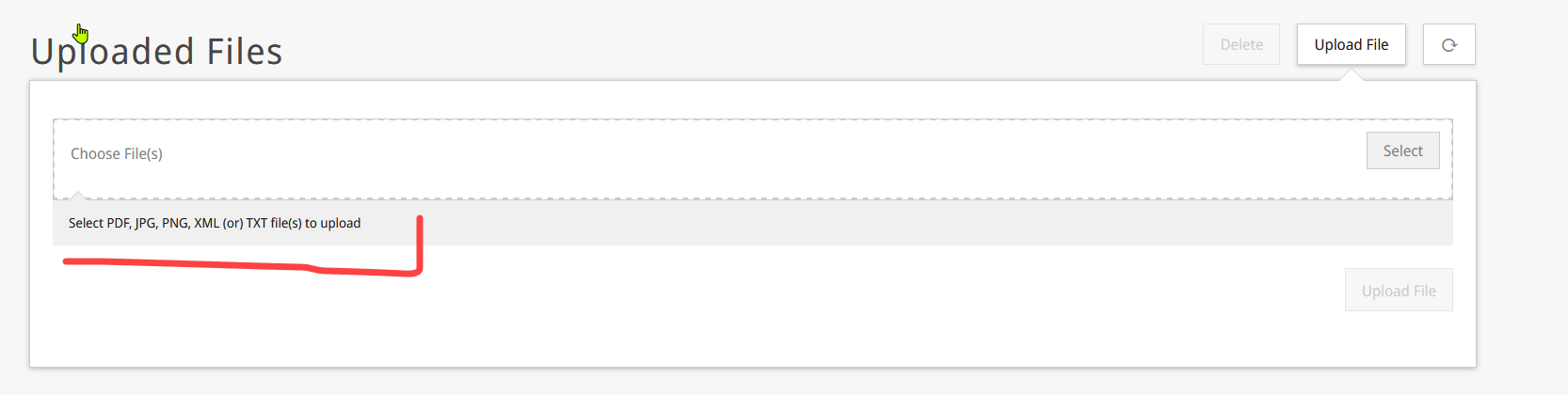
| 2 | A dialog will be shown to allow you to upload the file(s) of the document(s) that have to be registered: Be aware that, due to ST.92 the portal now allow to upload PDF,JPG,PNG, XML or TXT files |
|
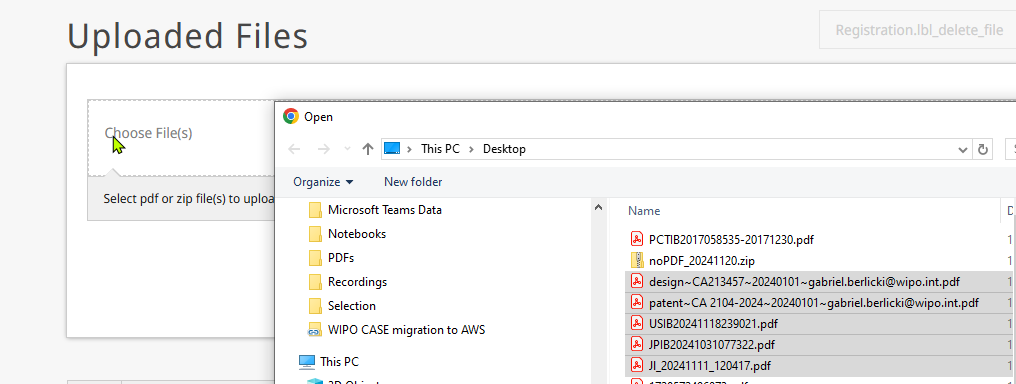
| 3 | press on "Select", navigate to the folder where you have the file to submit, and then press on "upload file": |
|
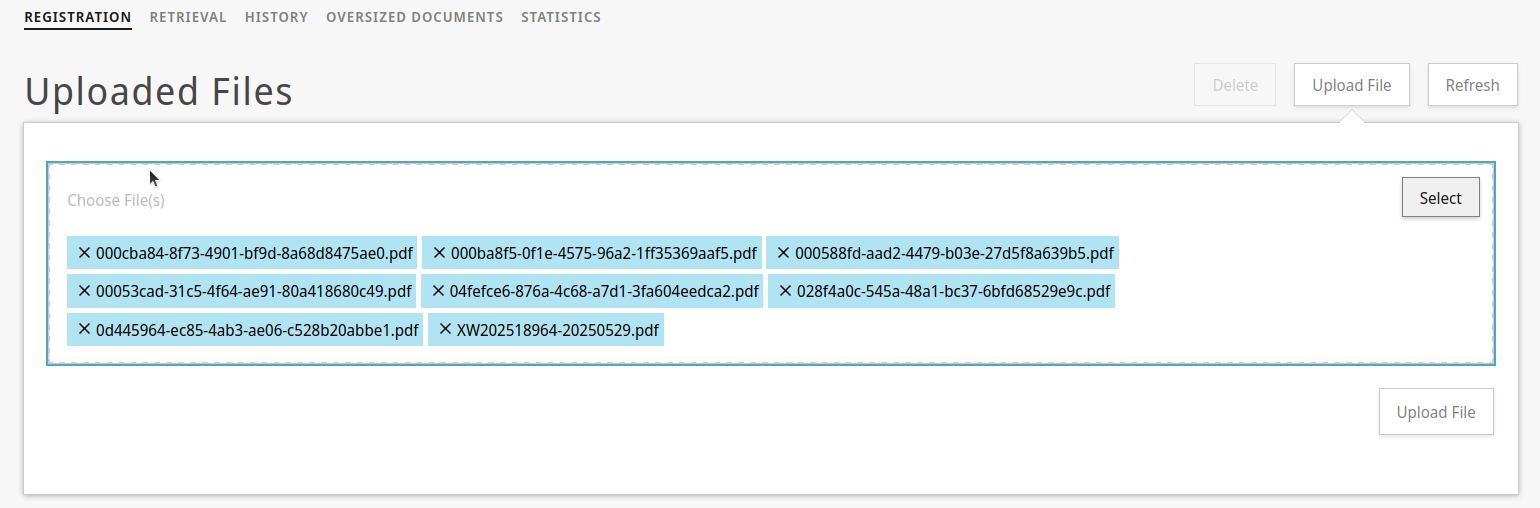
| 4 | After pressing the "upload file" button, the page refresh and shows an updated form |
|

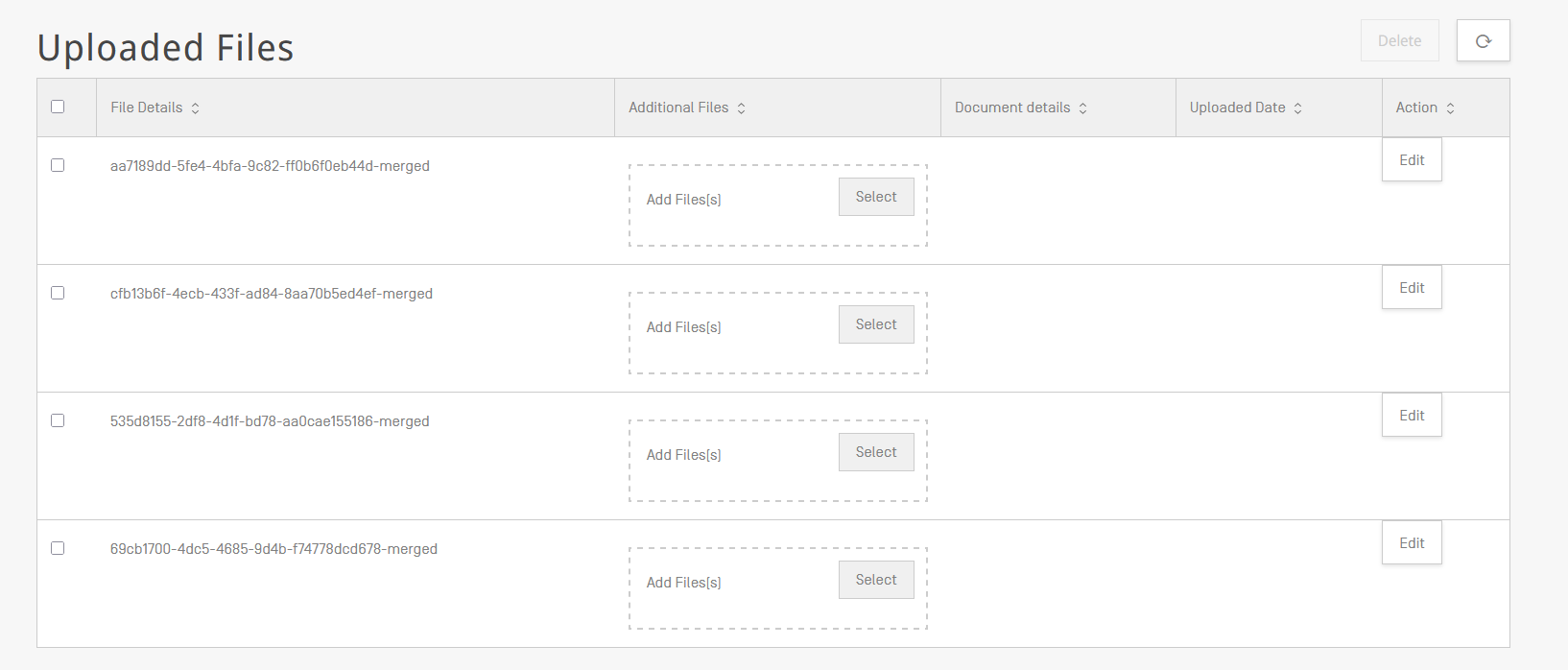
Adding additional files
| 5 | The screen will then update and will show the file you send to upload to das. |
|
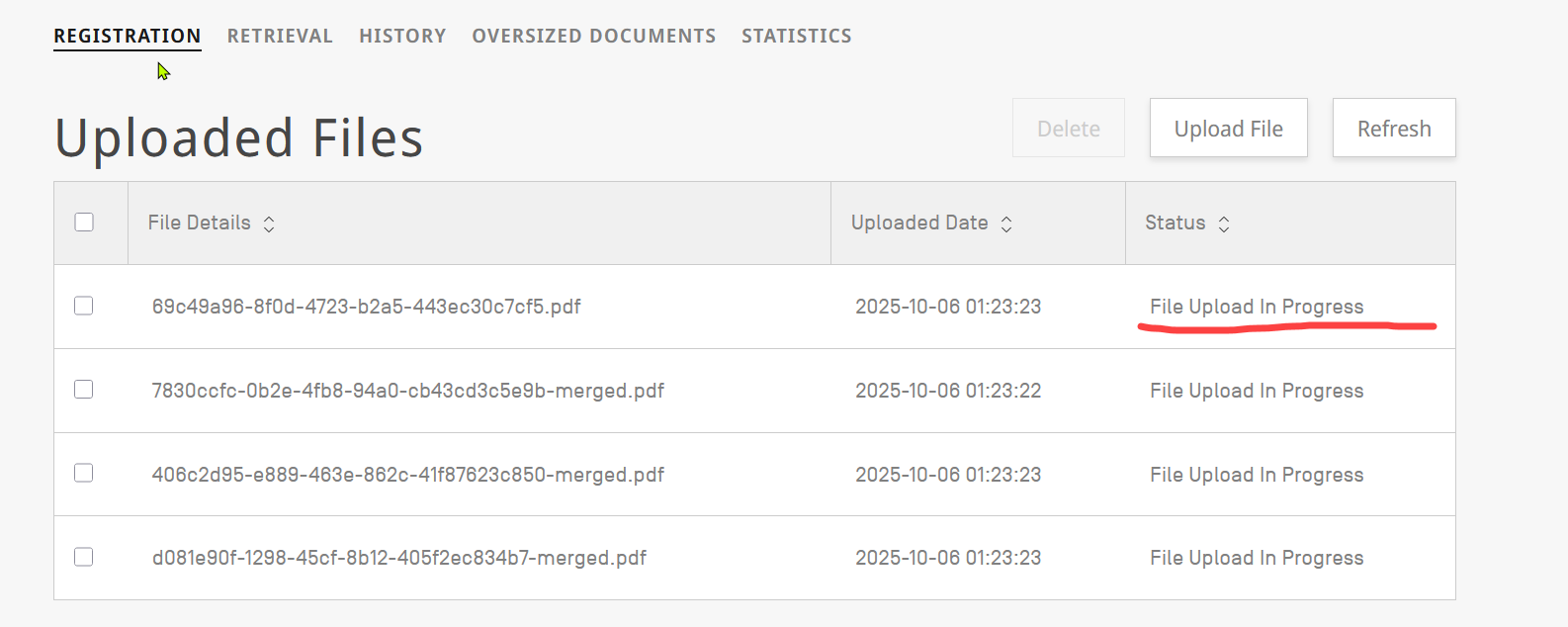
| 5 | The screen will then update and will show the file you send to upload to das. |
|
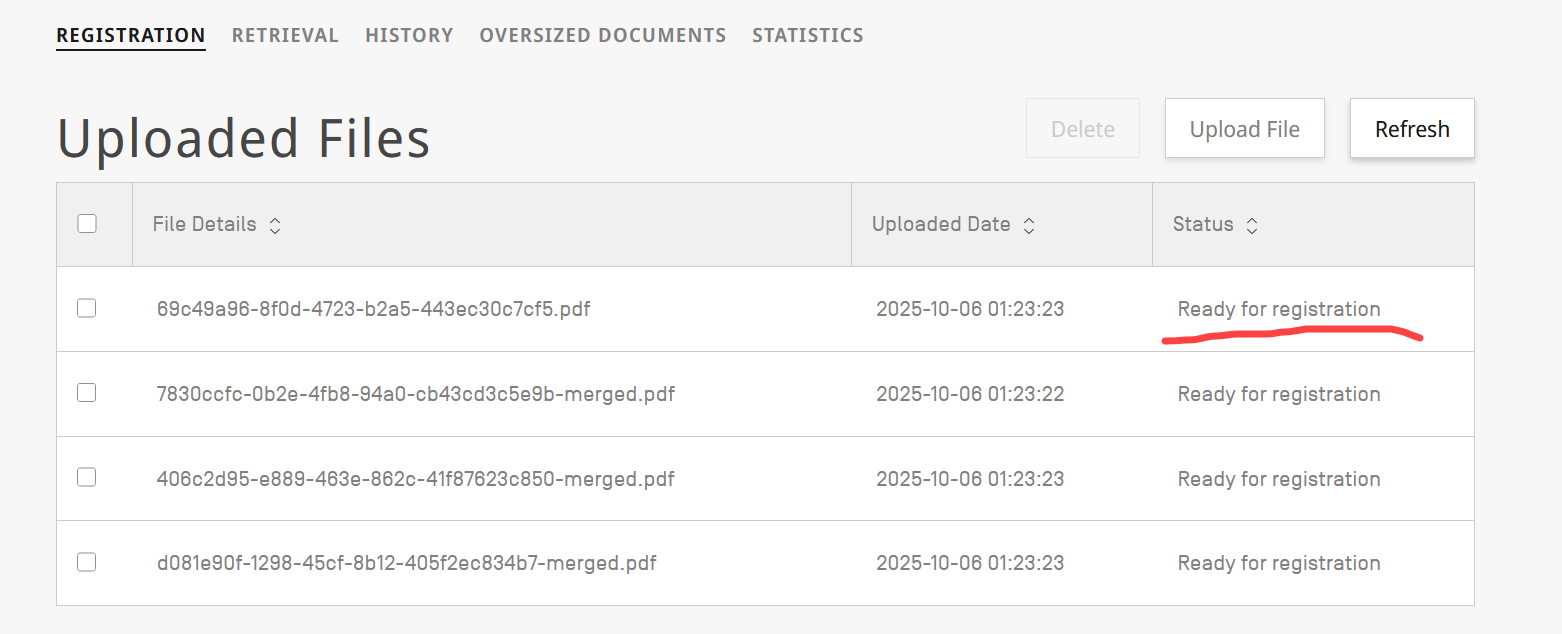
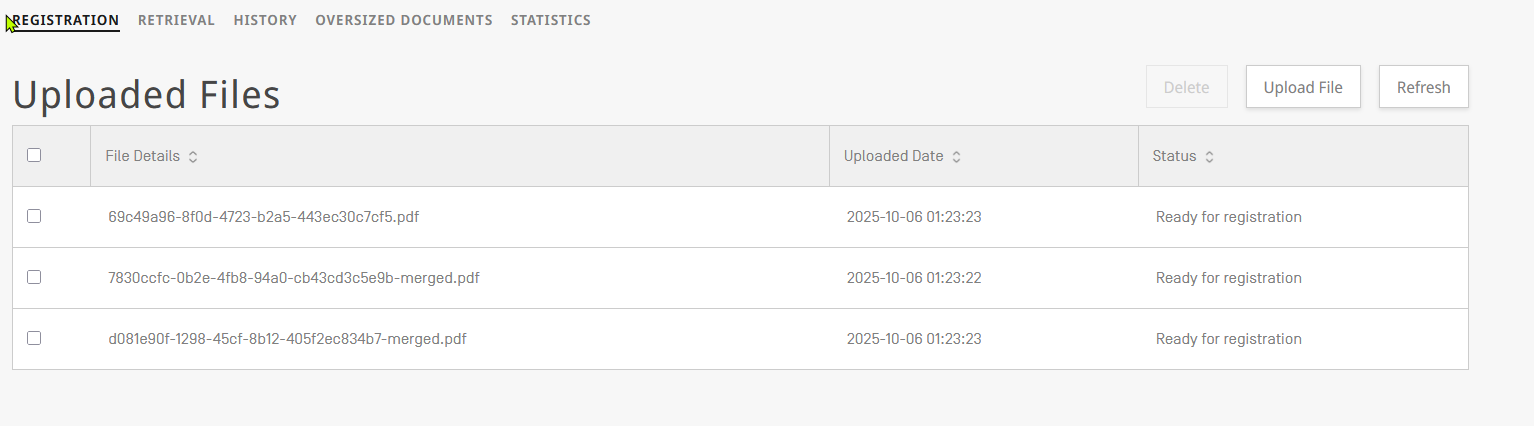
| 6 | Upload might take a while (depending on the file size), please press "Refresh" from time to time to check if the file is ready for registration: |
|
| 7 | Once the file is ready for registration you can start the process to submit the information of the priority document | |
| 8 | For registering the document click on the file you want to "register": |
|
| 9 | The screen will update, and the registration form will be shown. | |
| 10 | Then you can start to update the form with the details of the file (of your office that you want to register): |
|
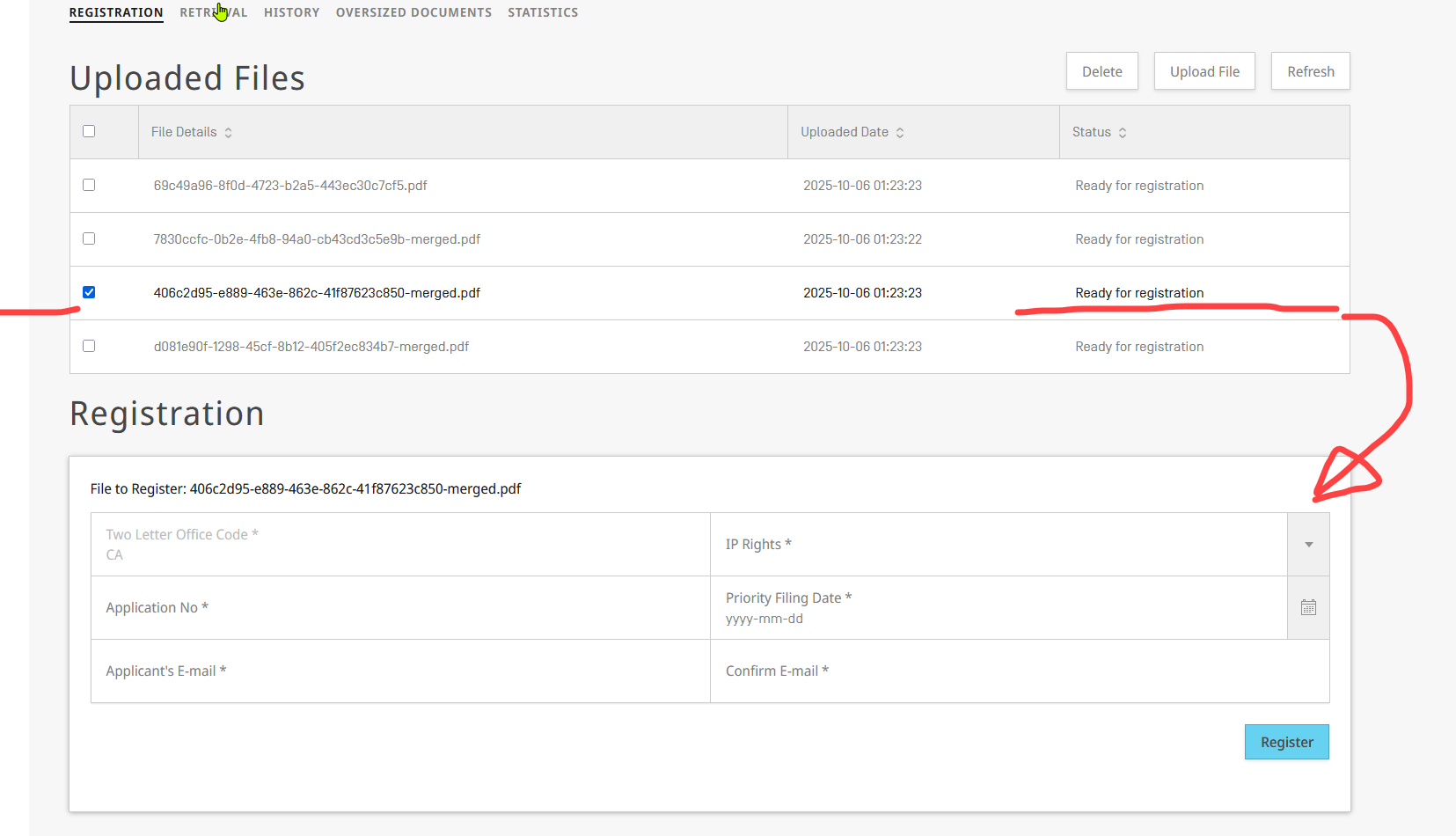
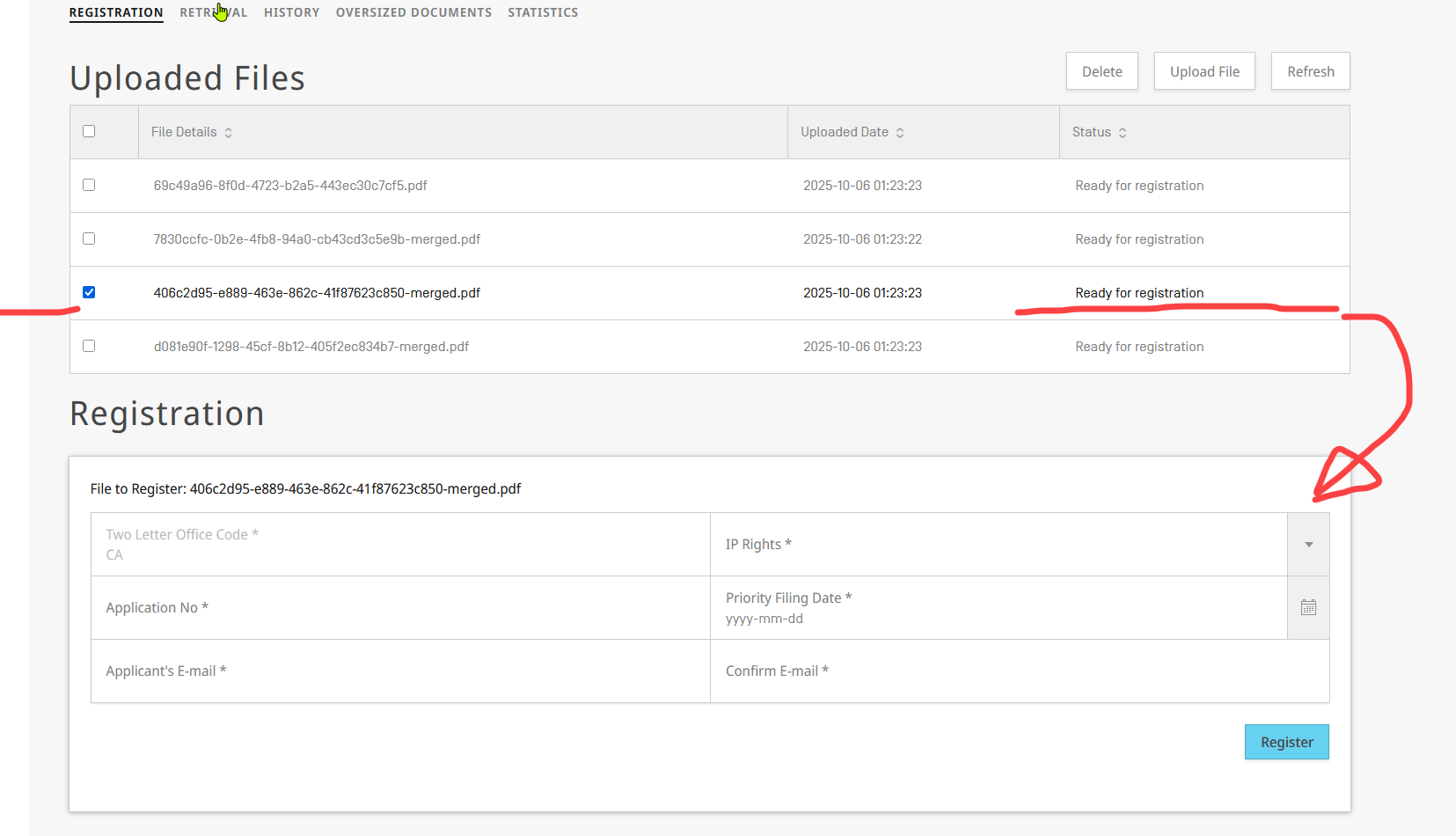
For filling the form, you need to provide the following information:
| Item | Options | Notes |
|---|---|---|
| Two Letter Office Code | the country code of the IP Office from which you would want to retrieve the file | https://www.wipo.int/documents/d/standards/docs-en-03-03-01.pdf |
| IP Rights | Patent | The type of IP Right depends on the configuration of your Office, to check the scope of your office, you could consult the following webpage: |
| Design | ||
| Utility Model | ||
| Trademark | ||
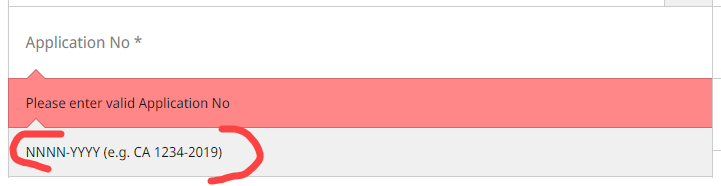
| Application No | text field (Office Application number) | Here you should enter the information of the application, you need to match the forma to the application number in use by your office:
The system will validate what you are entering in the field (and will be showing bellow a hint). It will only allow to register the document, if the Application number you submit in the field, matches the format for your office |
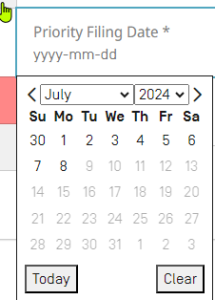
| Priority filing date | Date field | You will have to select the date for the filing date :
|
| Applicant E-mail | The email of the applicant, to which WIPO DAS will take care of sending the access code, after the form is submitted. | Be aware of the validation on the U.I.:
|
| Confirm E-mail |

After pressing on "Register", DAS starts to process the registration:
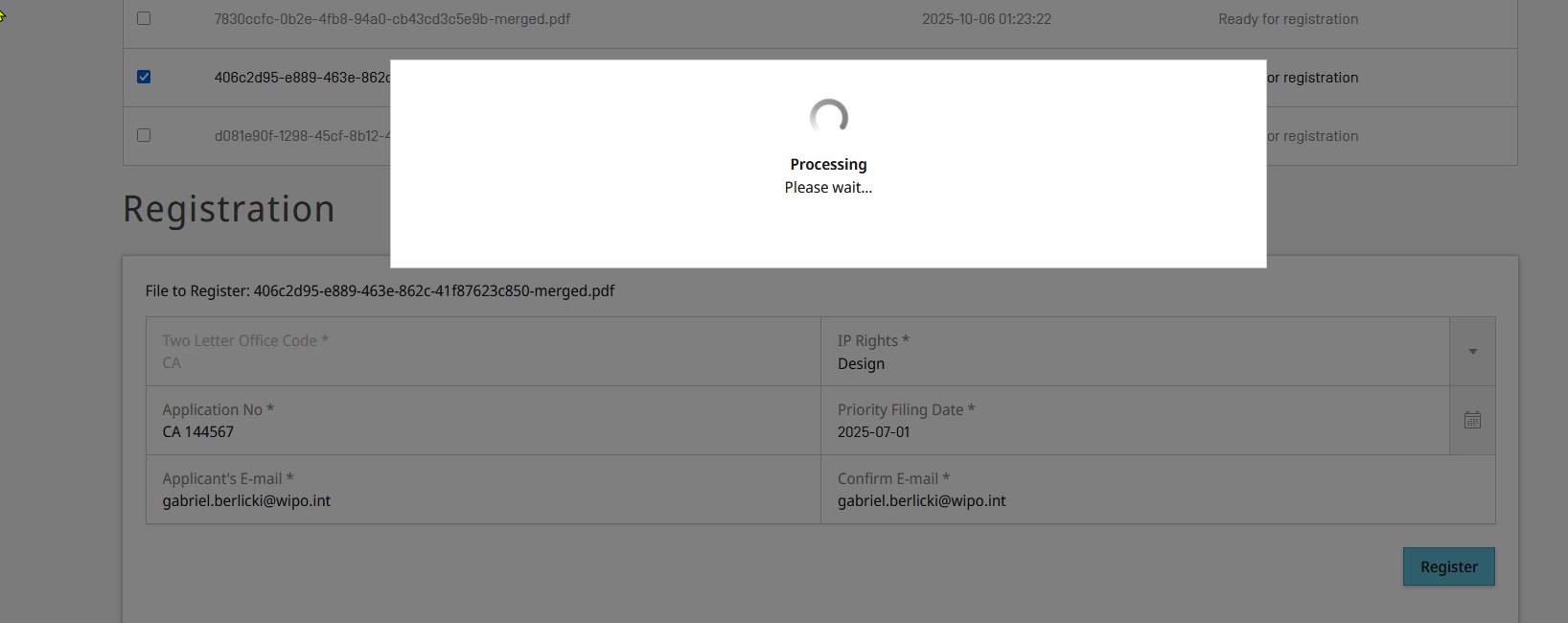
The screen will update, and the entry will be removed from the list:
OFF has to agree in advance regarding the preferred format for priority document be PDF, and the format shall not be changed once operational.
- d.1.- Creating a WIPO account
- d.2.- Browsers supported by DAS Office Portal
- d.3.- Logging in
- d.4.- Office Portal User Interface
- d.5.- Extras