
A Web contact Form is available by clicking on the "contact us" link at the top right corner of any WIPO DAS webpage (WIPO DAS Support contact form).
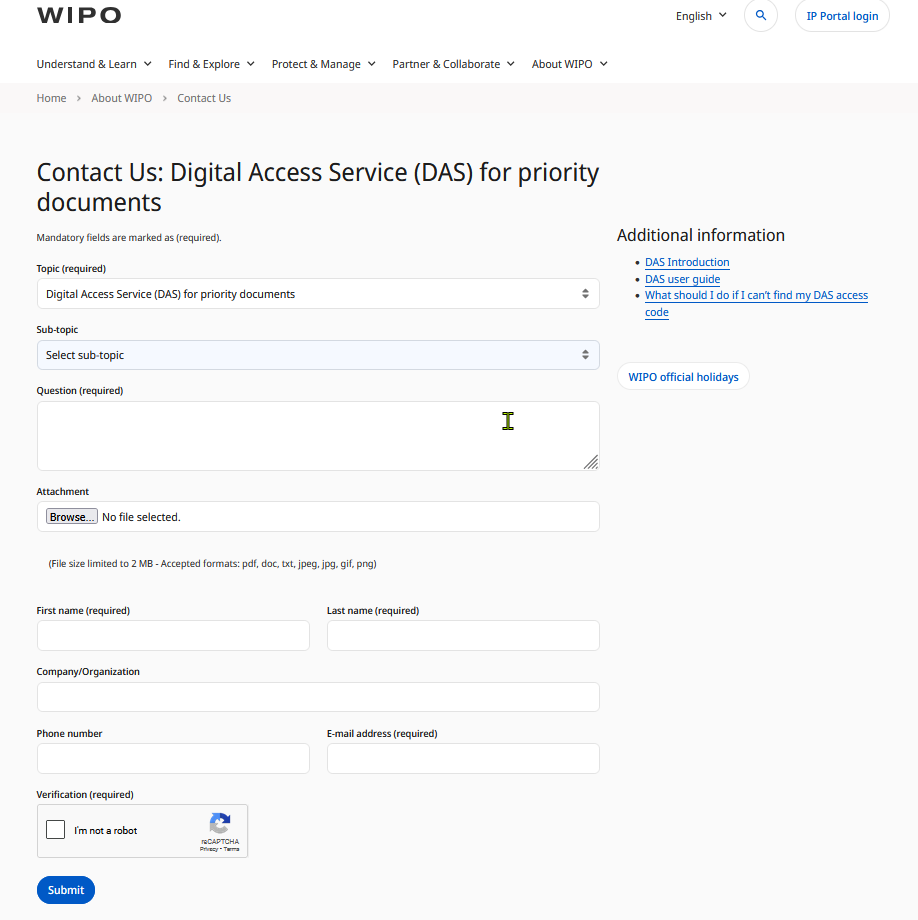
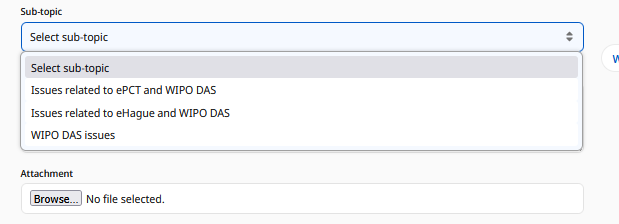
While filling the form, please select which sub-topic matches your request; it will help identify the type of support that is needed.
On reception of your email, a ticketing system will issue an incident number and will send an automatic reply to the source email address like this:
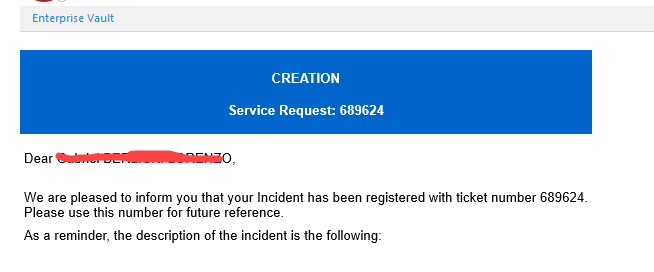
In some cases the automatic initial message is not immediate as we have to add the source email address to the "contact list" of verified addresses (this is done manually once we detect the pending request).
After that is corrected in the system, for any new request, the notification will be automatically sent to your email.
After the ticket is issued, it will be assigned to an agent in out team to review and help with the resolution. If the information is not clear you will be contacted, otherwise you will receive a new notification when the issue is resolved like this:
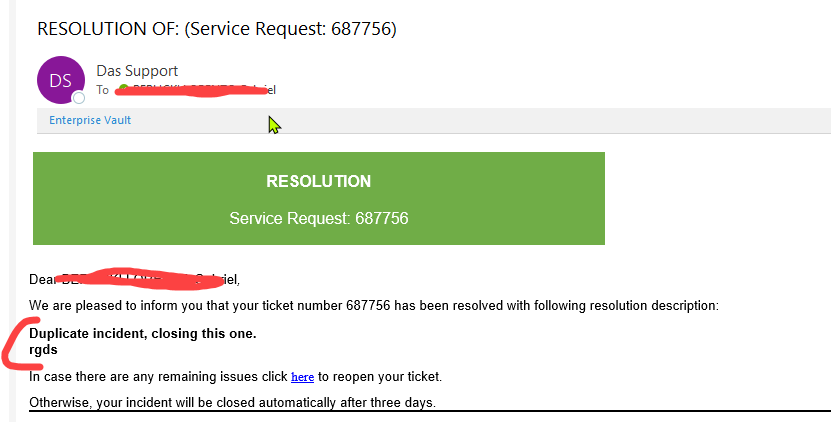
The email will include a message with the details of how the issue was resolved.