
| Table of Contents |
|---|
A few key elements of the History screen are highlighted and explained in labels from OP1 to OP4.
...
The list will show all the results that matches the "search criteria" defined on the "Filter / Search Bar":

Registration Items:
When you "hover" your mouse arrow over one of the results, the display will be updated as follows:

...
| title | This gives the user the following options: |
|---|
...
Once you click, the screen updates and shows you this:

If the access code needs to be resent, just press "YES".
If the applicant/agent requested to send the access code to a different email address, please update the email address in the form and then press on "Yes"
...
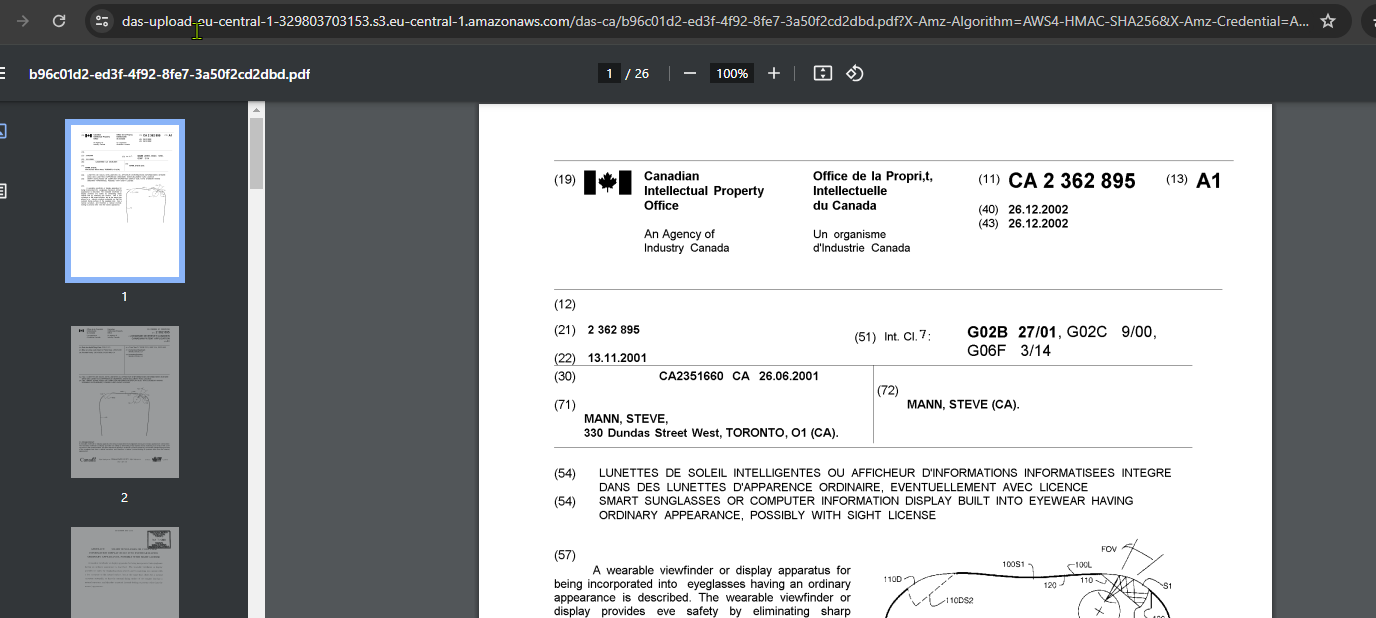
Will normally open in another browser tab :
| Note |
|---|
If you get an error of "invalid token", please reload the screen and try again. This is just for the browser to refresh the credentials and request a new token for retrieving the file. |
| Children Display |
|---|
| Note |
|---|
Be aware that there are cases that might delay the retrieval of the TDA documents:
In the last two cases, it would not be possible to retrieve the document from WIPO DAS. |
|
...
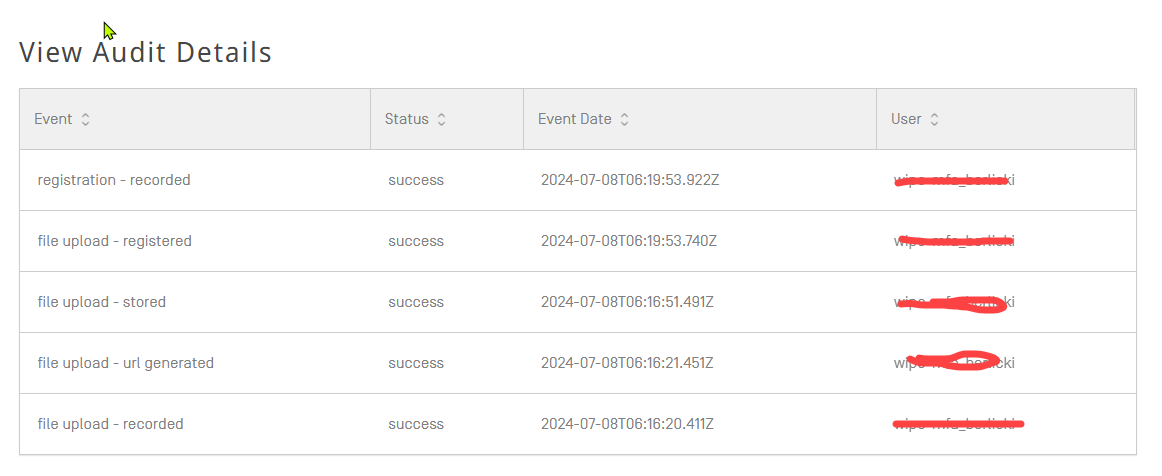
For example, for a registration, you will see something like this:
Retrieval item:
When you "hover" your mouse arrow over one of the results, the display will be updated as follows:

...
| title | This gives the user the following options: |
|---|
...
Will normally open in another browser tab :
| Note |
|---|
If you get an error of "invalid token", please reload the screen and try again. This is just for the browser to refresh the credentials and request a new token for retrieving the file. |
...
For example, for a retrieval, you will see something like this:

|
|
...